
Get Started with our eSignal Guide
Download eSignal
Download our most current version of eSignal, ICE XL, and other complimentary applications.

Configuration
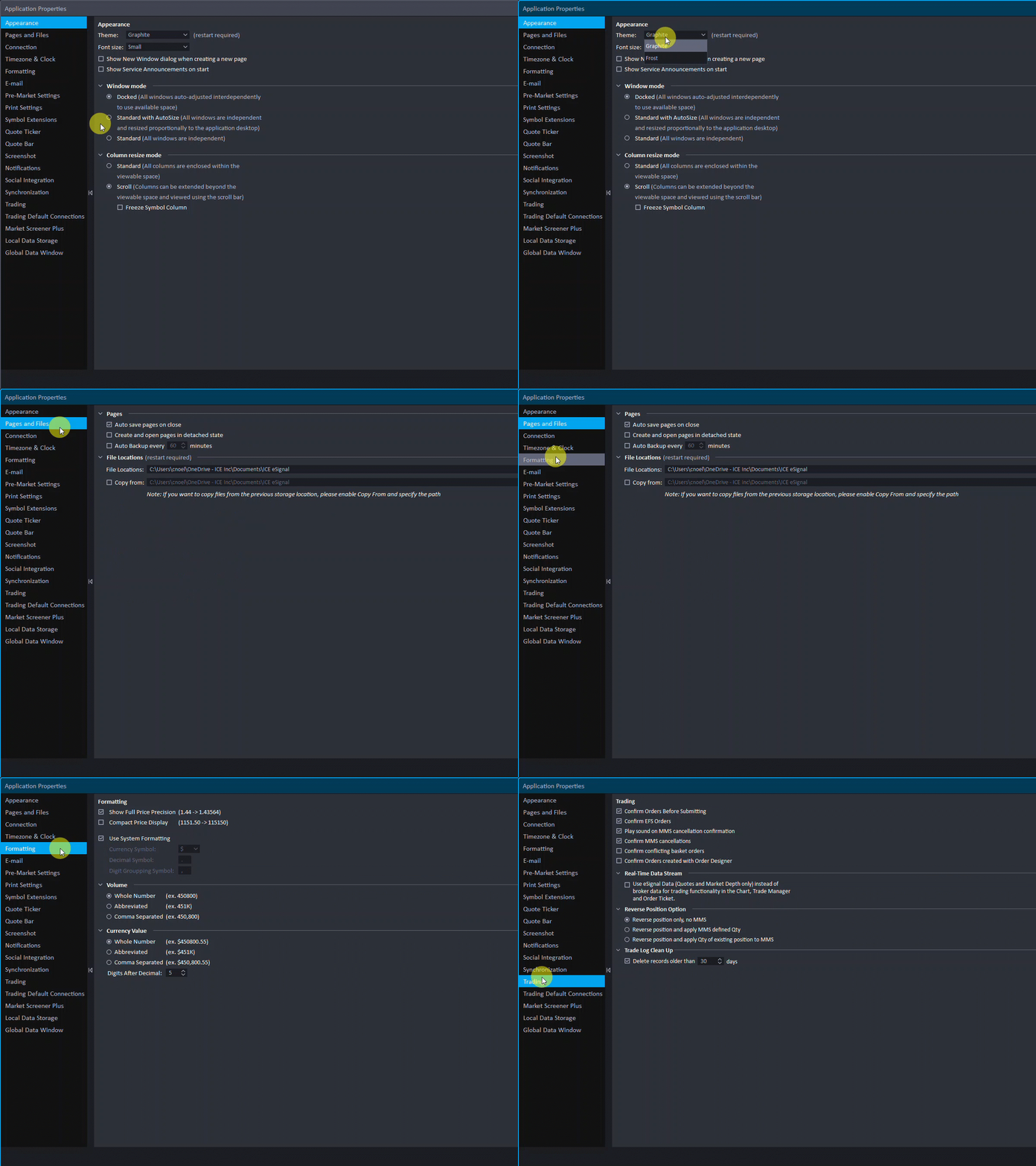
Set up your environment the way you want it to be – from window sizing, fonts, colors, and styles – make eSignal uniquely yours.
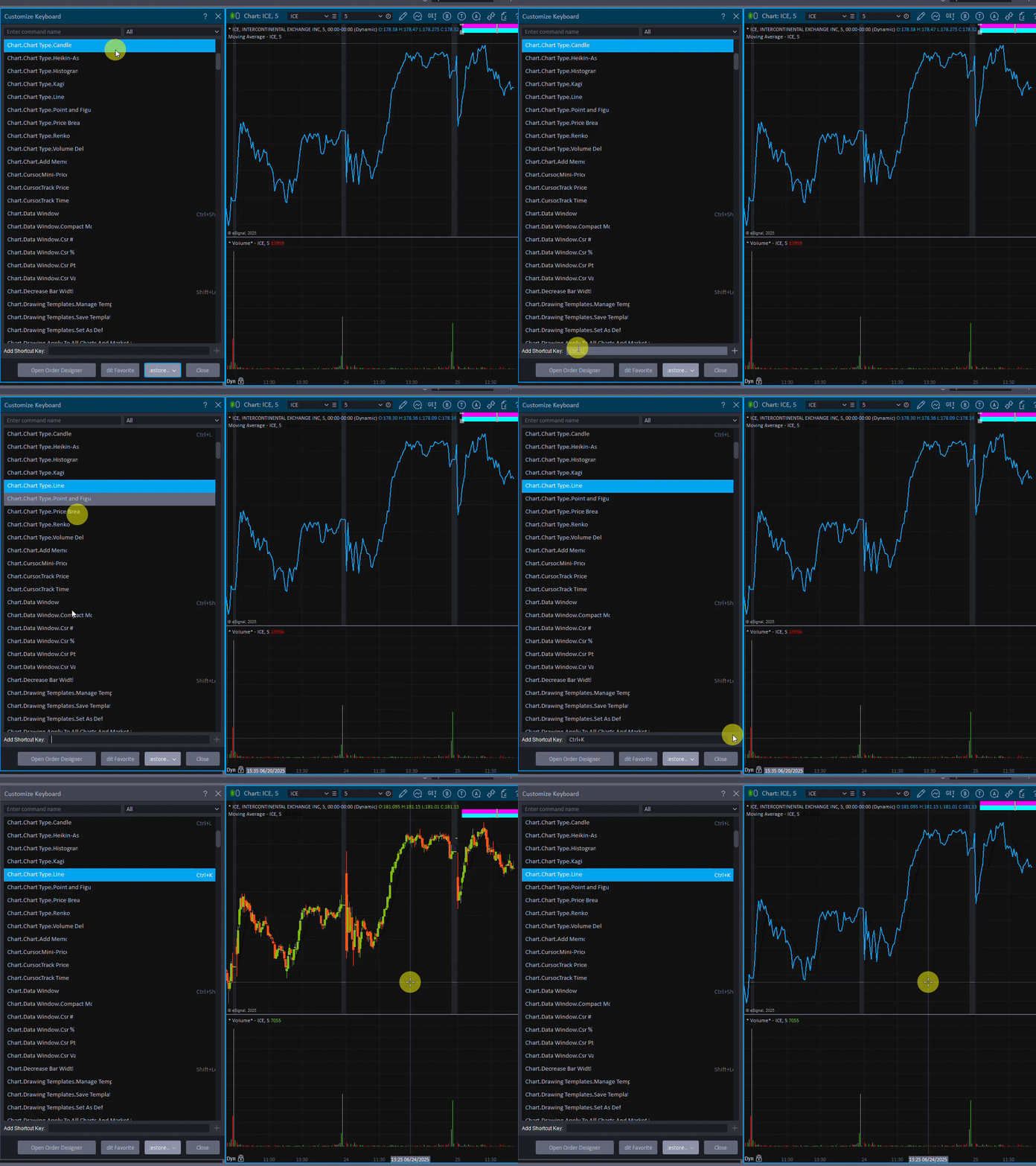
Toolbars & Keyboard Commands
Quickly access your favorite shortcuts with full keyboard shortcut customization.
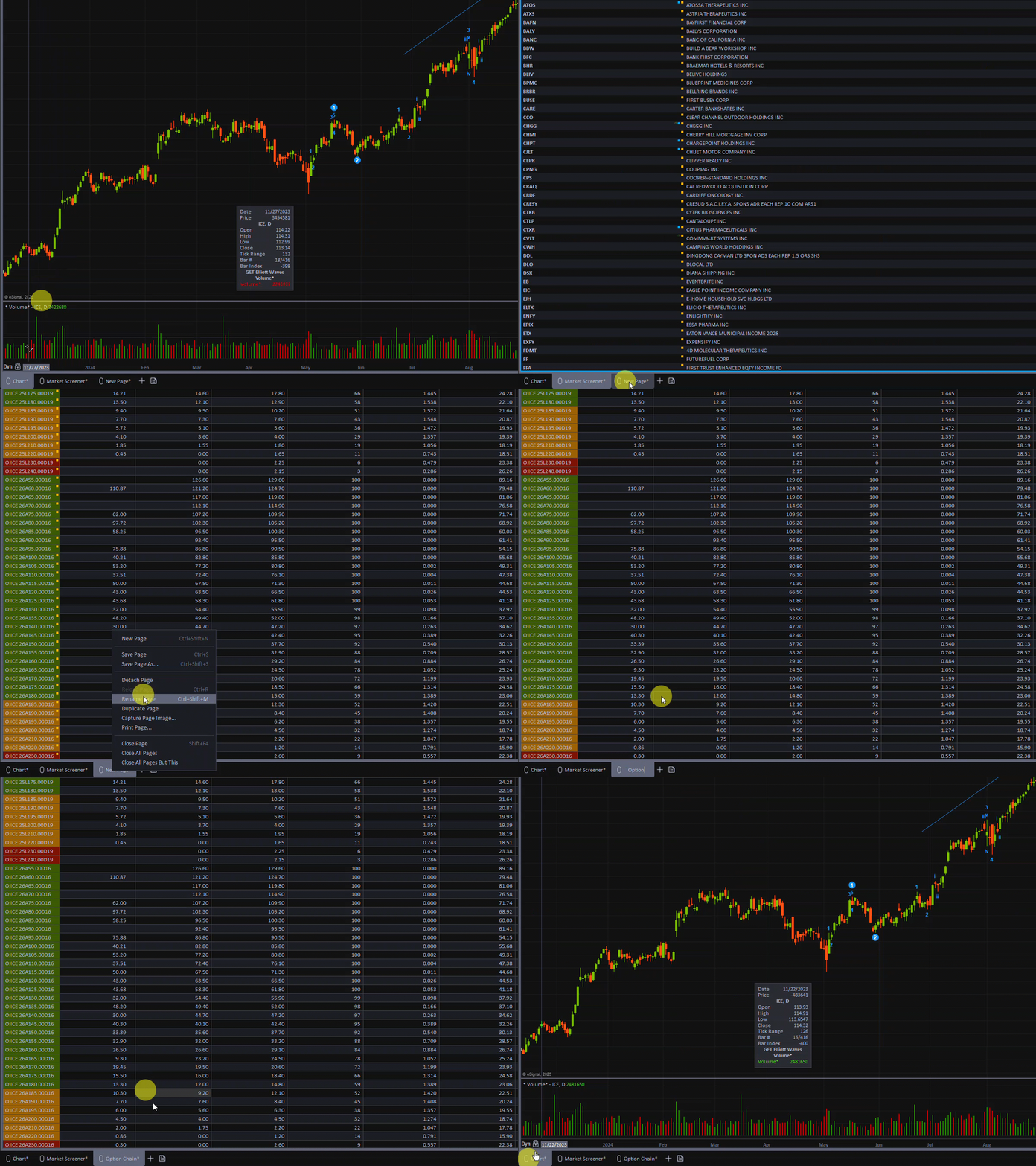
Pages
Quickly swap between different pages you created and stay organized. Rename, restructure, and duplicate pages with the click of a button.
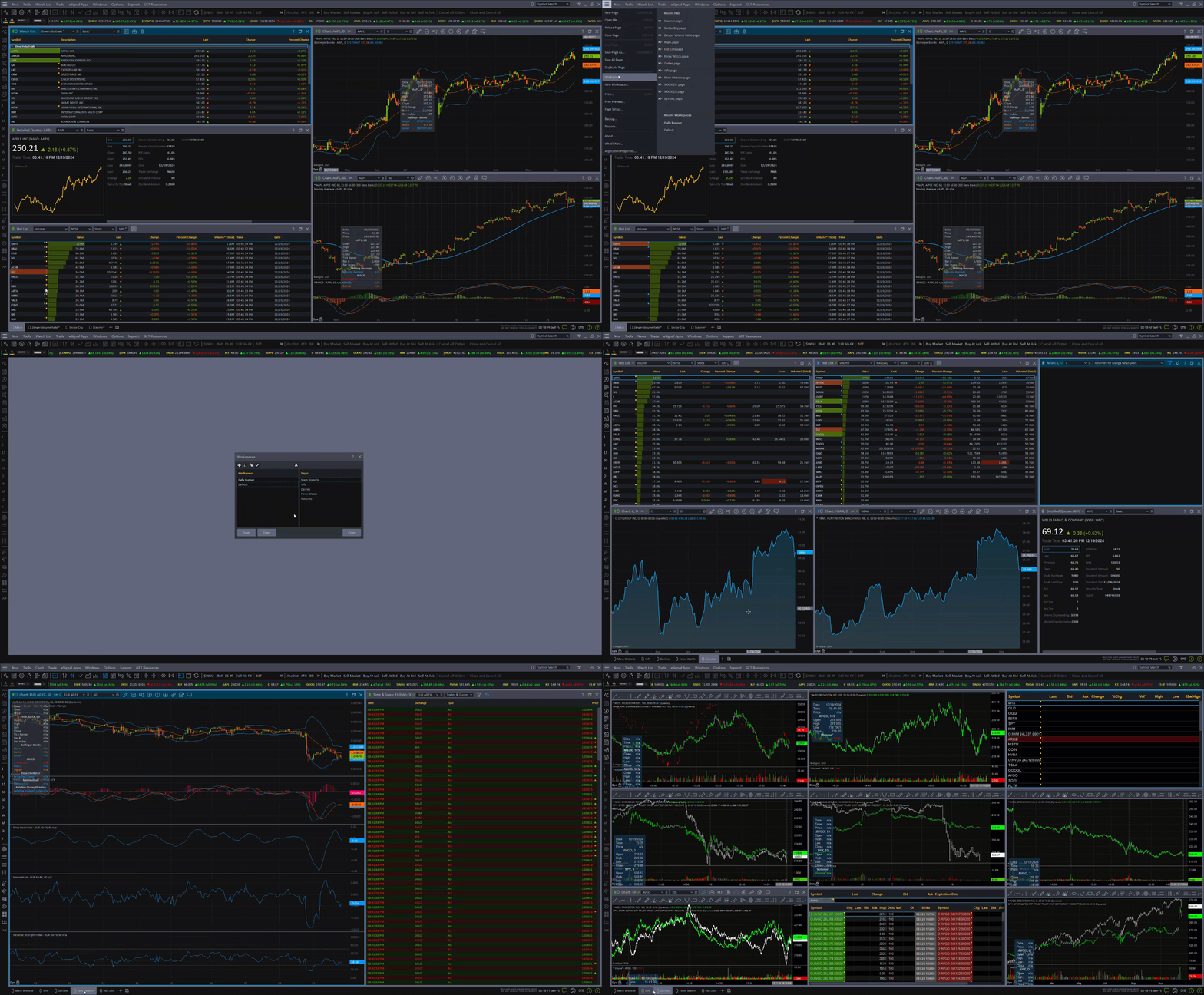
Workspaces
Shift gears with ease when you need to swap environments. Workspaces are groups of pages you can configure to your liking so you can swap to a new setup whenever needed.
Watch List
View and edit a list of tickets to fit your specific needs. Change everything from columns, studies, colors, and style.
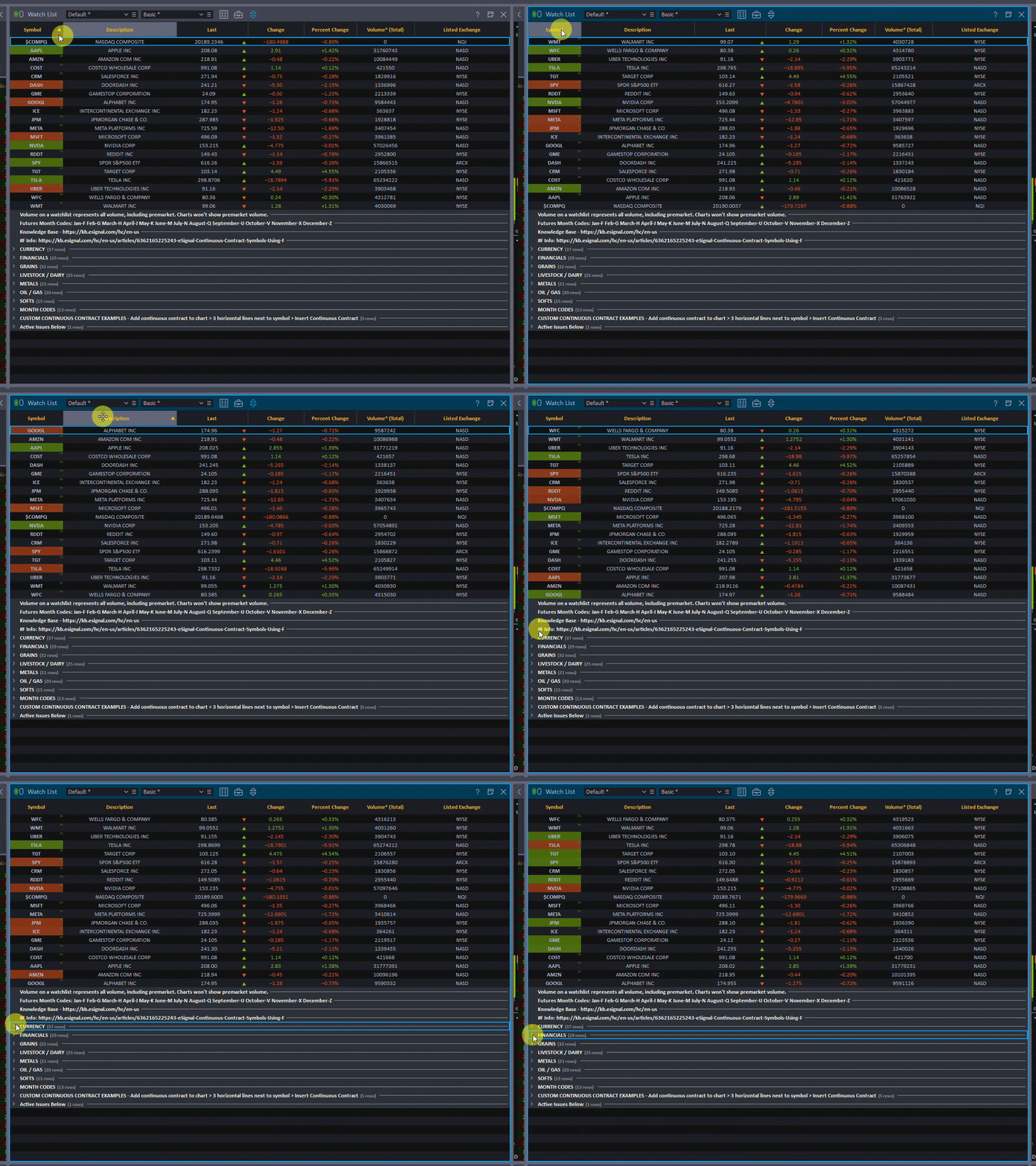
Chart Window
eSignal's top of class charting allows for unparalleled customization to every aspect of a chart – from style, intervals, drawing, studies, colors and much more.
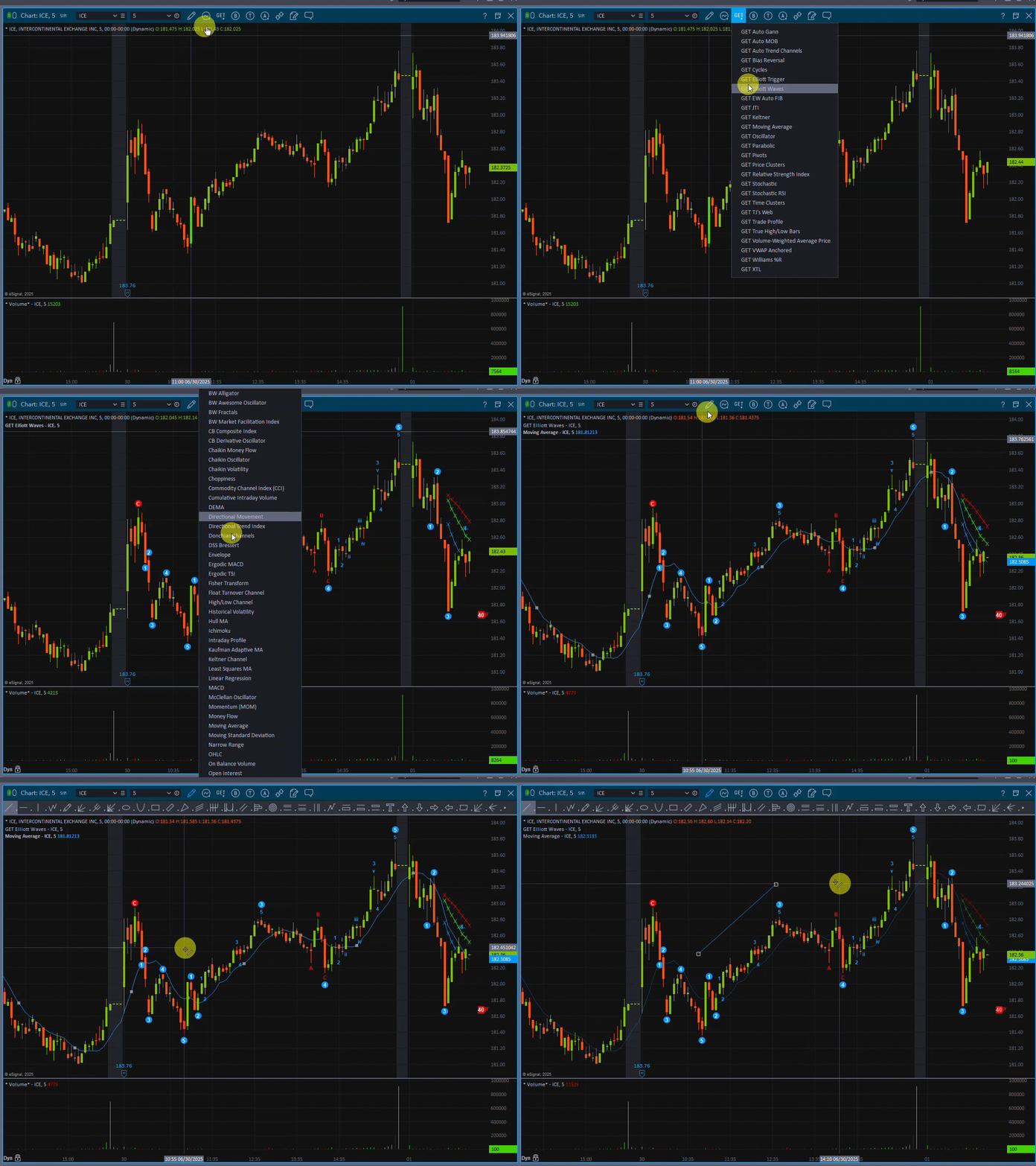
Chart Studies
Studies allow for deeper research within a chart – analyze trends and identify market movements before others do.
Drawing Tools
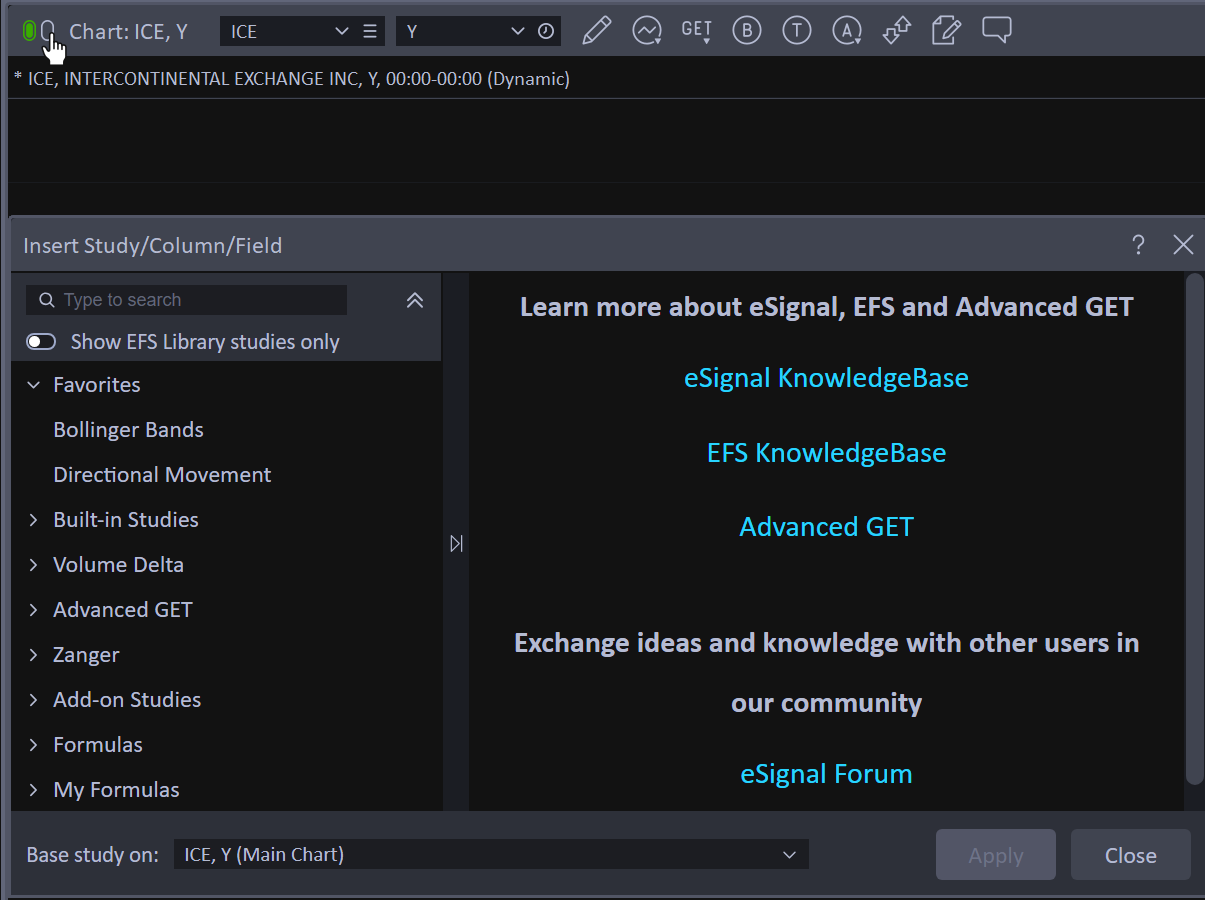
Create custom, self-inserted drawings to help you identify and reference trends on a chart.
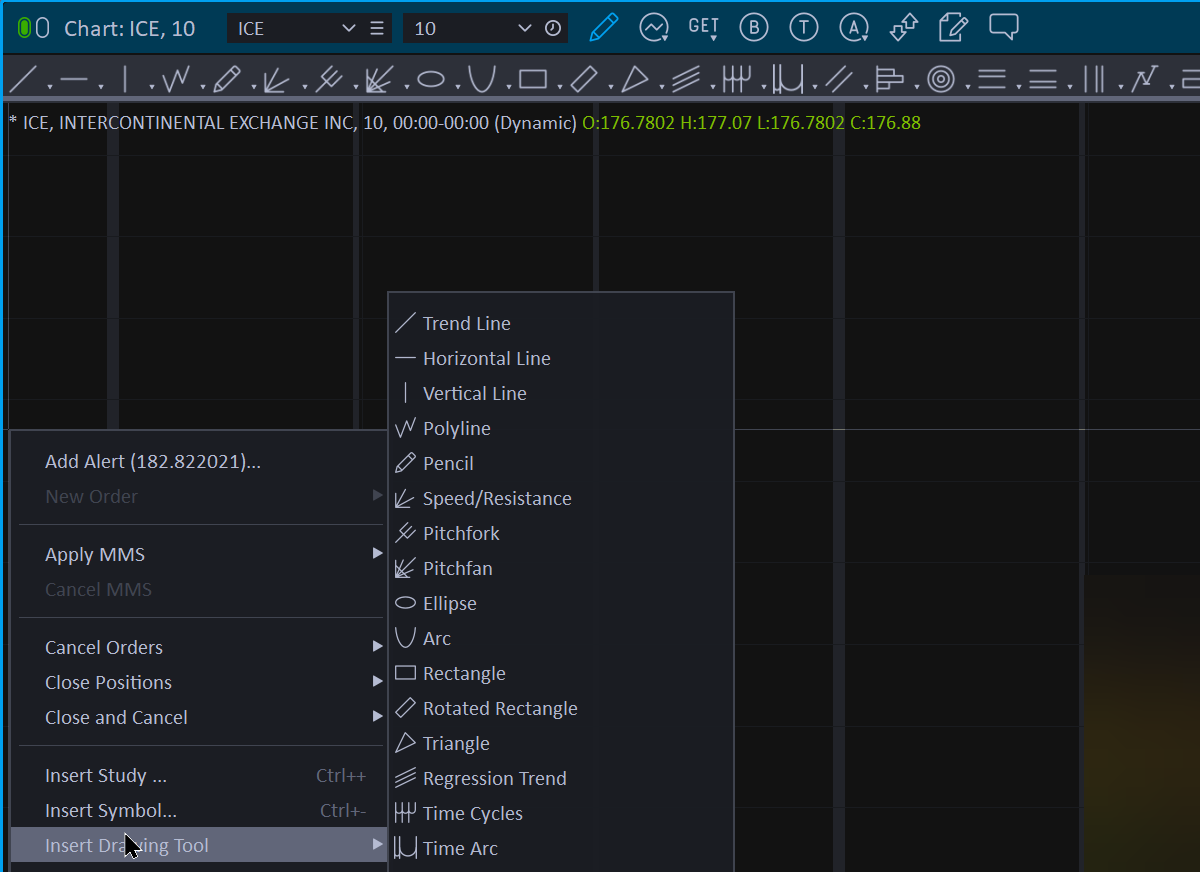
Chart Trading
With an approved, linked broker you can trade directly within our chart. Place orders based on limits and set conditions to trigger when they are met.
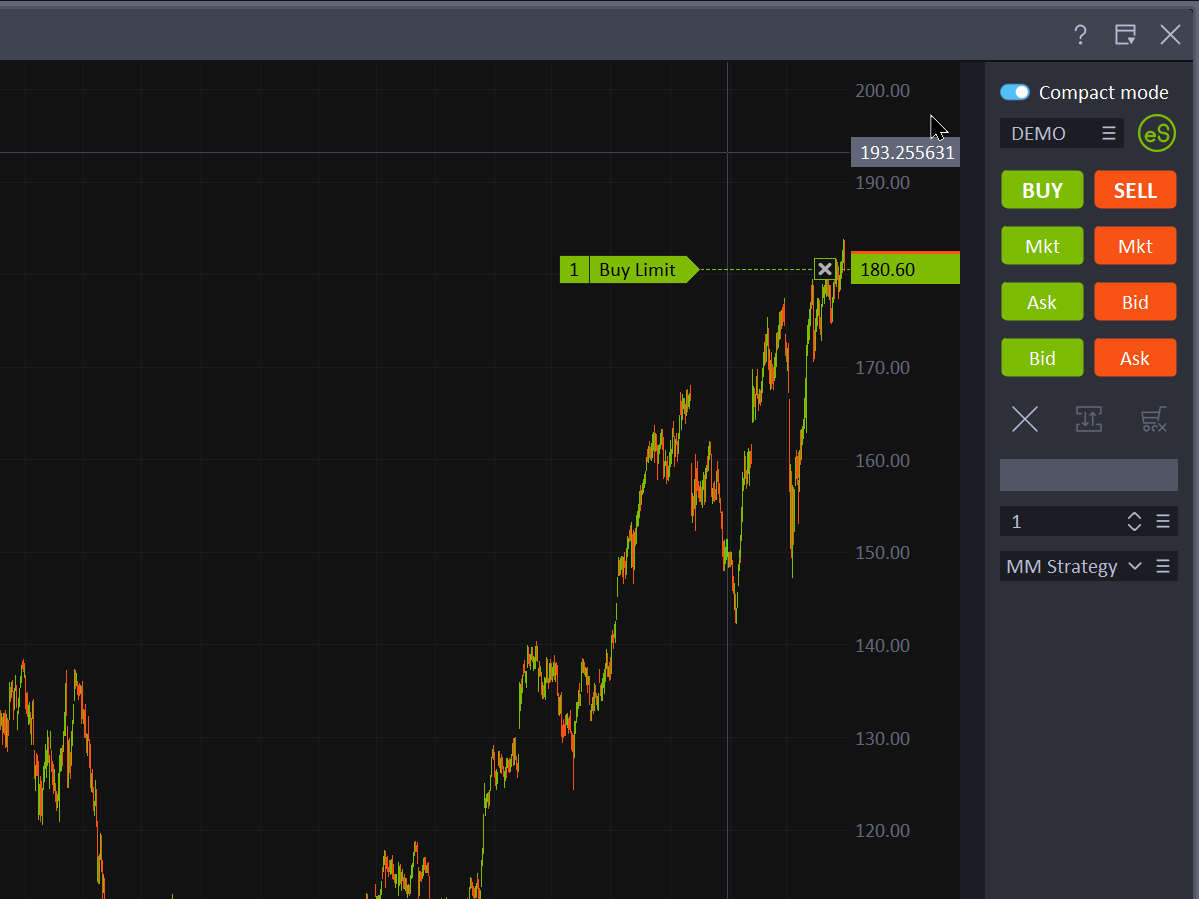
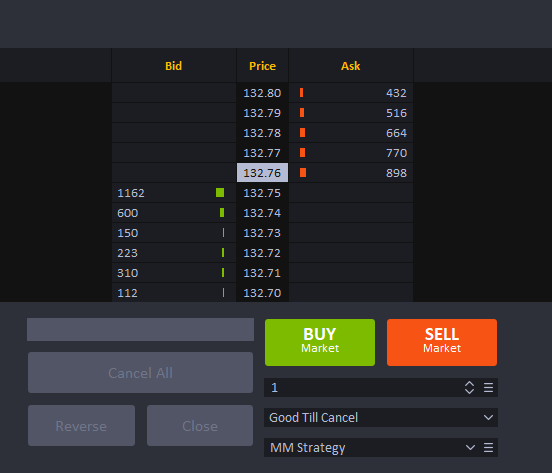
Trade Manager / Money Management Planner
Quickly place and modify orders with a single click and apply pre-defined, sophisticated, and automated money management strategies to a position when it is opened.
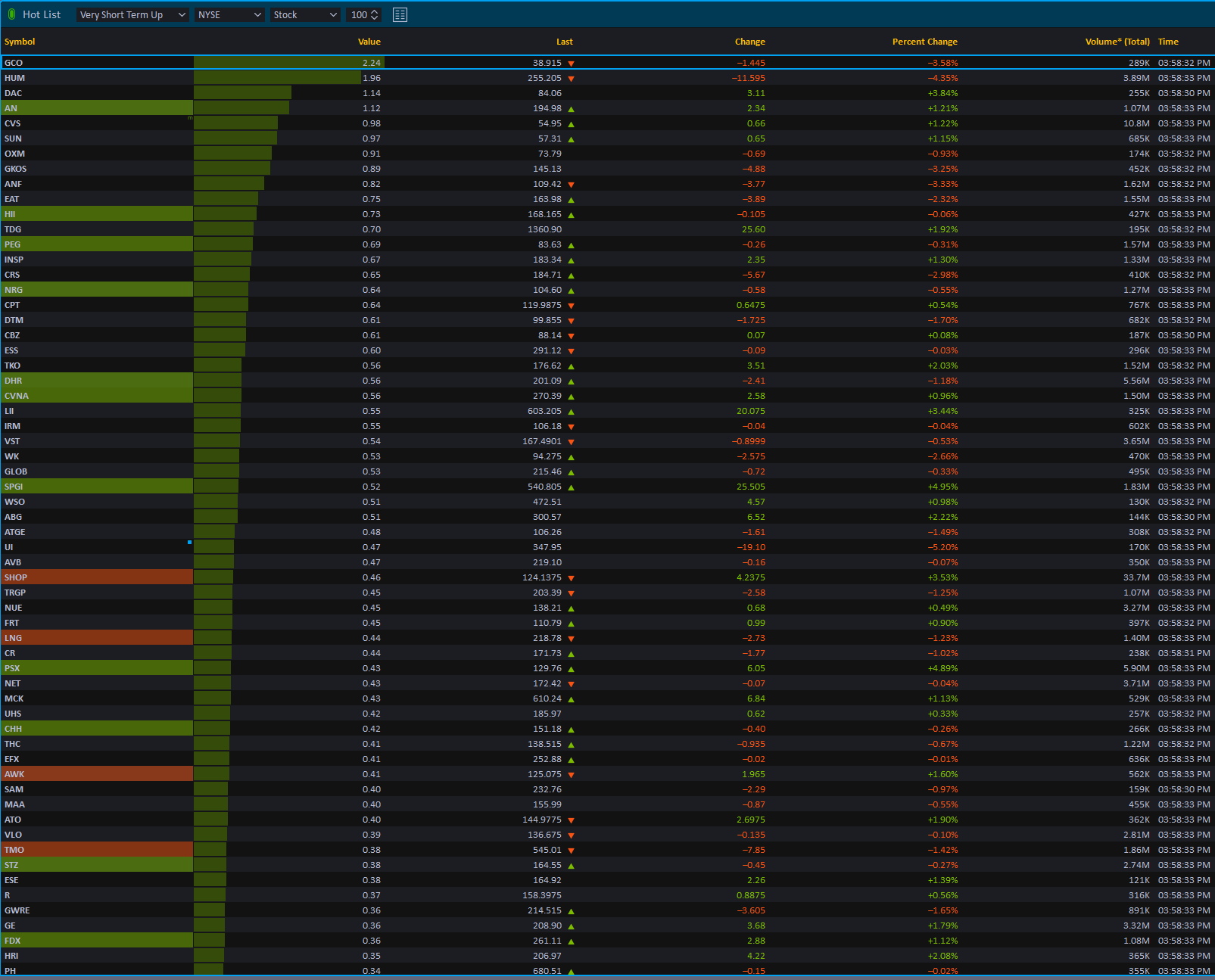
Hot List Window
Use a powerful pre-built scan of the market to help you identify the best trading opportunities and update them automatically every 30 seconds.
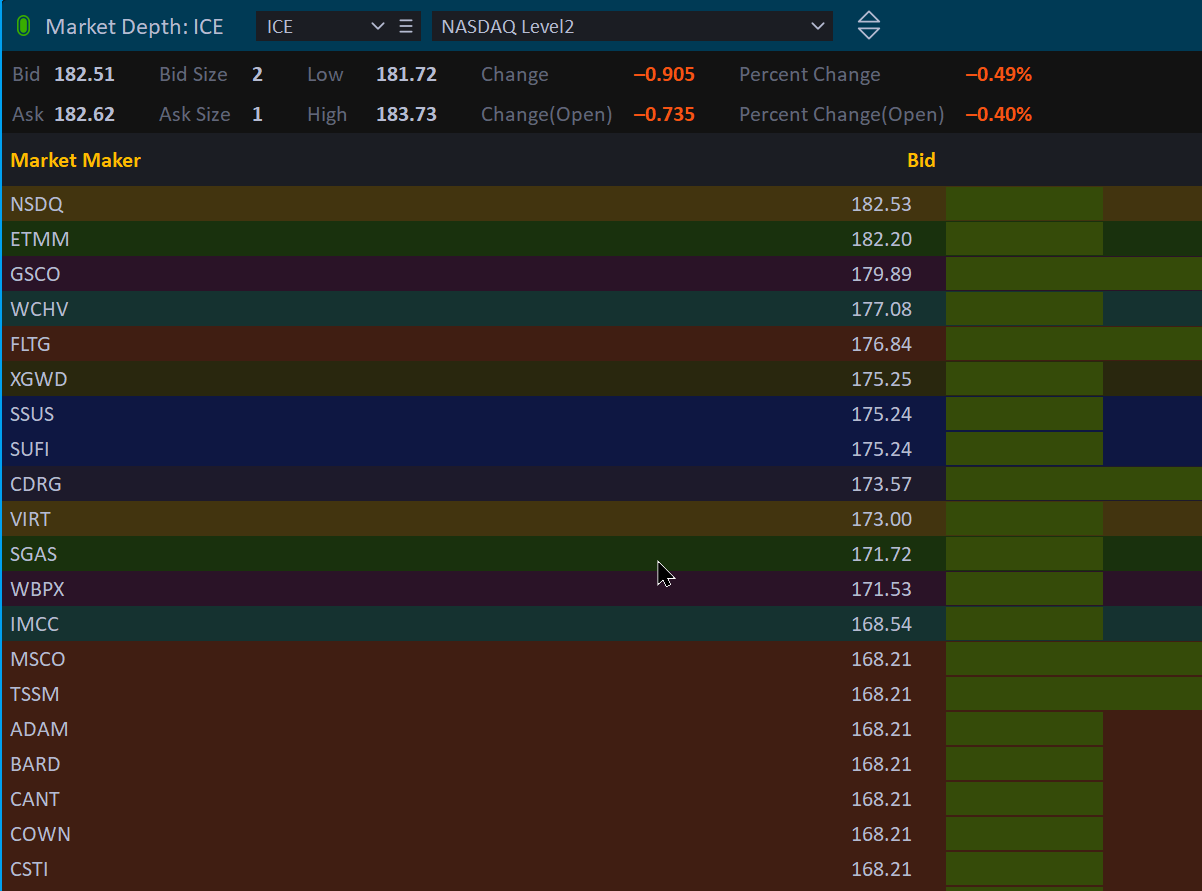
Market Depth
Display the best bid and ask prices by market maker in a descending order which can help you spot buy/sell opportunities.
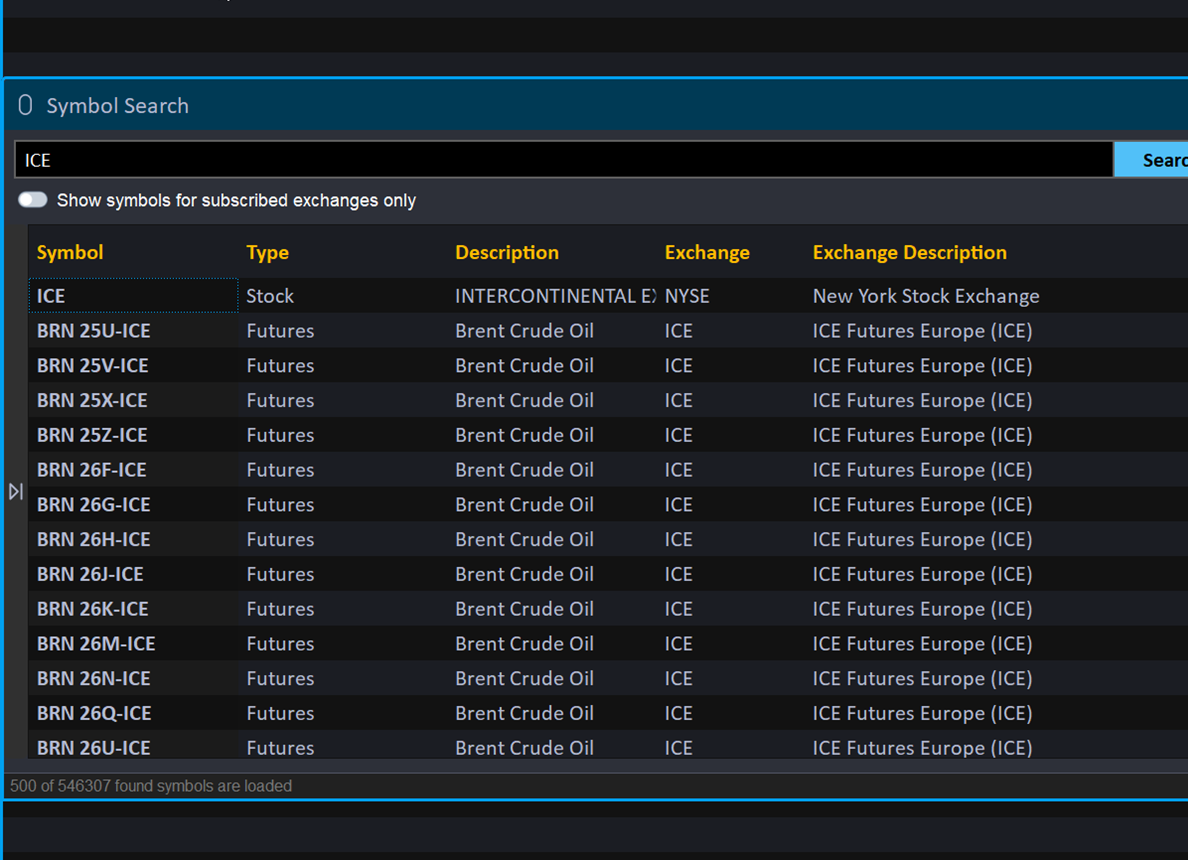
Symbol Search
Search via keyword and filter through over 25 million instruments to help you find exactly what you need.
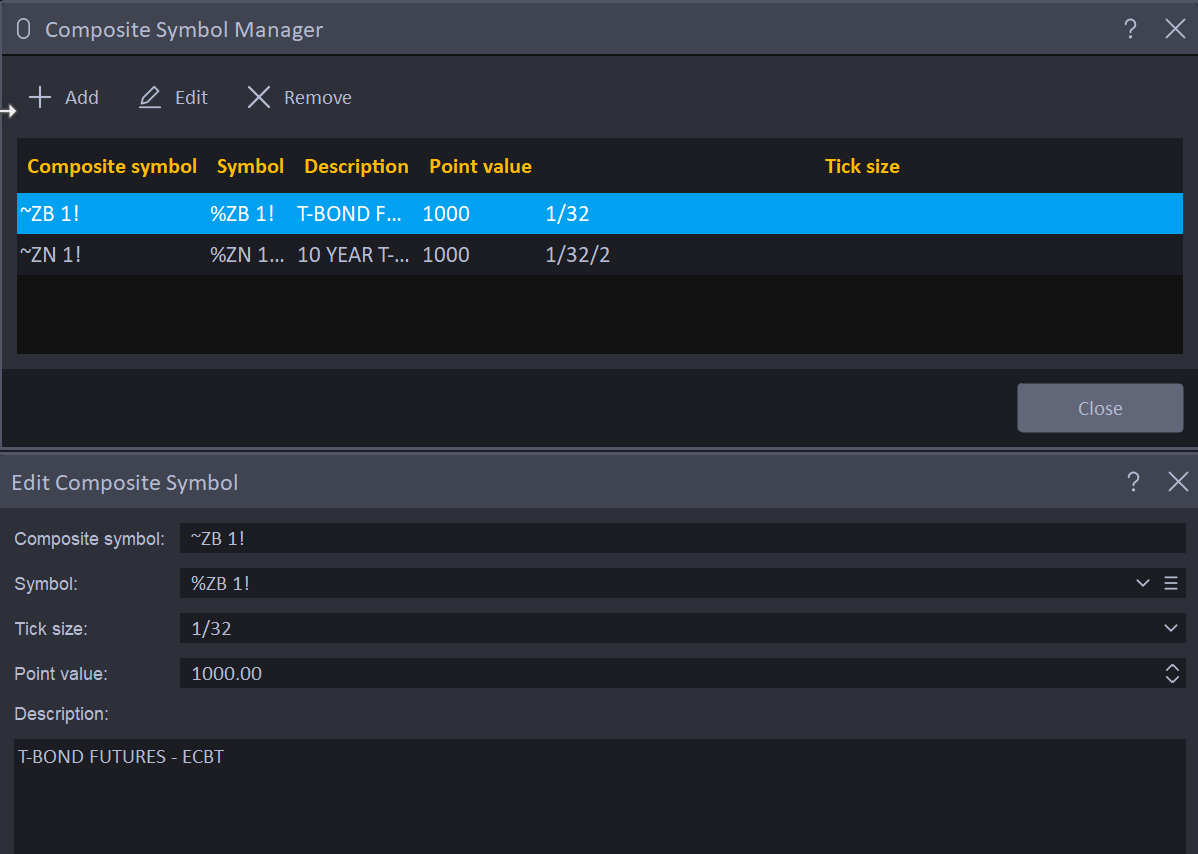
Composite Symbol Manager
Create custom spreads and configure your own continuous contracts for futures.
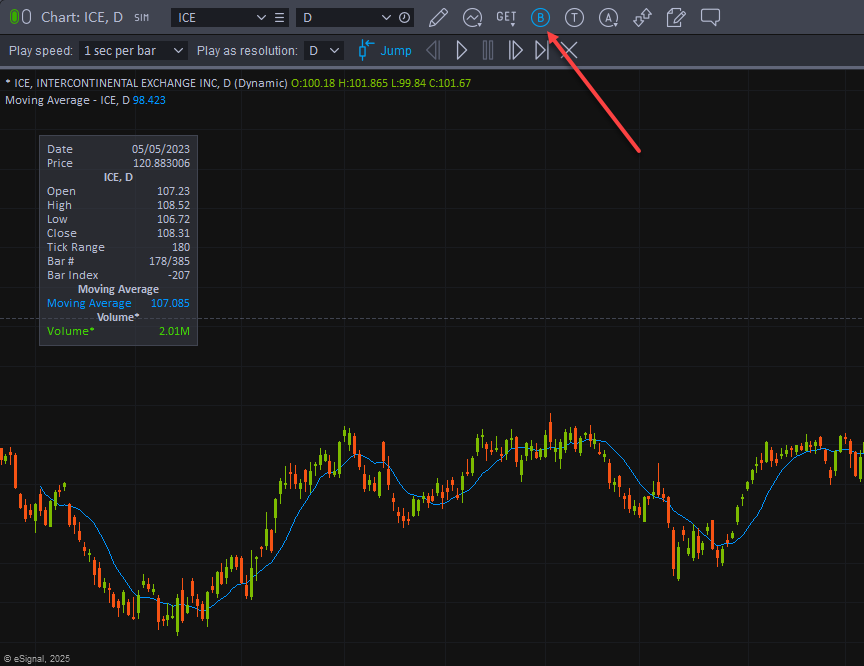
Bar Replay
Test your formulas and strategies by simulating a previous point in time to see how your strategy would have performed.
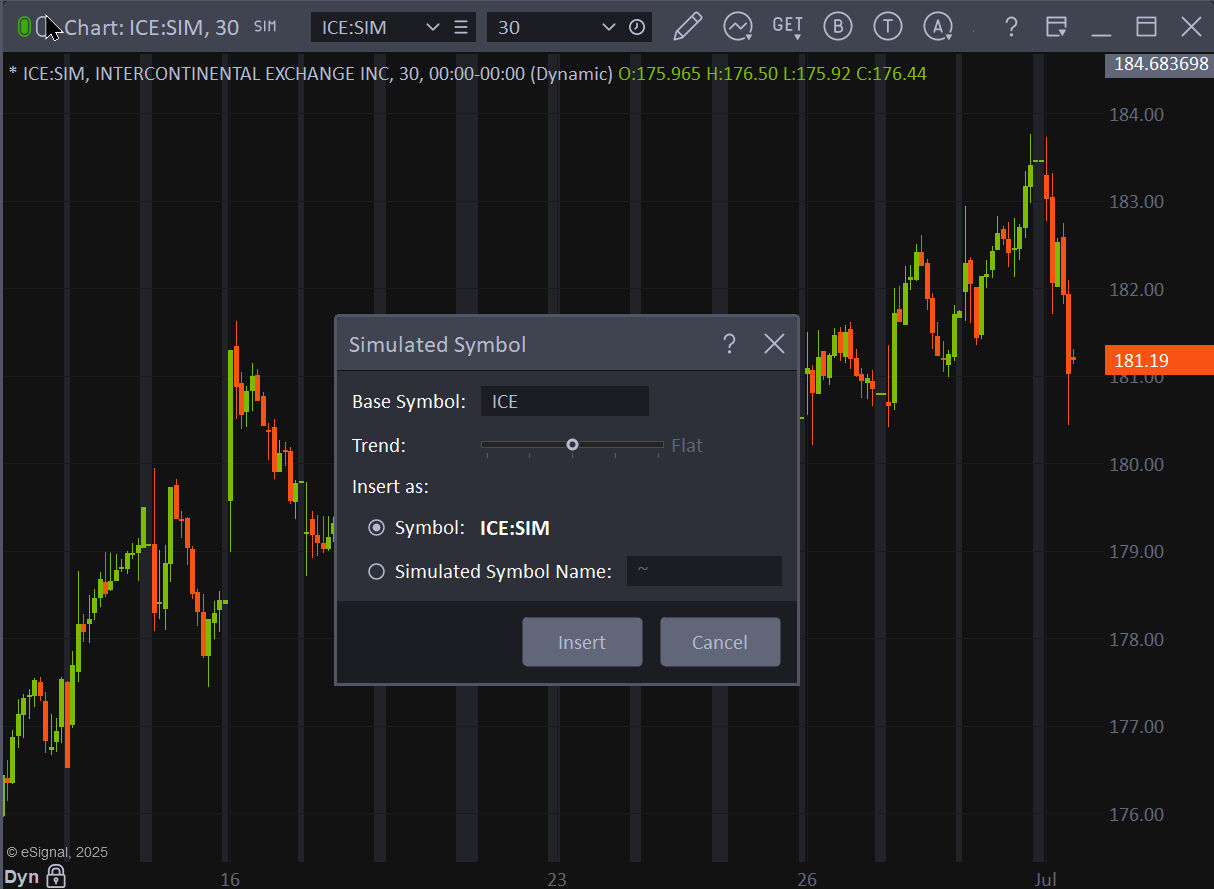
Data Simulator
Create custom market situations to test your formulas and strategies so you don't have to wait for a naturally occurring market move.
Backup / Restore
Anticipating a new computer, or wanting to keep your environment safe and backed up? You can back up your entire eSignal environment and move it to another machine with just a few clicks.

eSignal Formula Script (EFS)
This creation tool gives you an edge in the world of charting and testing trading strategies. It is a formula engine that has powerful capabilities to help you develop, test, and fine-tune your trading strategies.